Your nami files bring back a computer’s apps and settings. Backups bring back what you made on it: documents, photos, mail and SSH keys.
Back up your files every hour
On namiOS, your home folder is backed up every hour, as with Time Machine on a Mac. It’s on by itself when there’s plenty of free space. Change it in Settings › General › Backups, or in your file:
namios: backups: to: disk:Backups # also onto this USB drive (by its label) when it's plugged in leave-out: [~/.cache, ~/Videos, node_modules, "*.iso"]Backups stay on this computer, private to you, and are kept hourly for a day, daily for a month and weekly after that. Without leave-out:, caches, the Trash and virtual machine disks are left out. on: false turns backups off.
Bring back a file
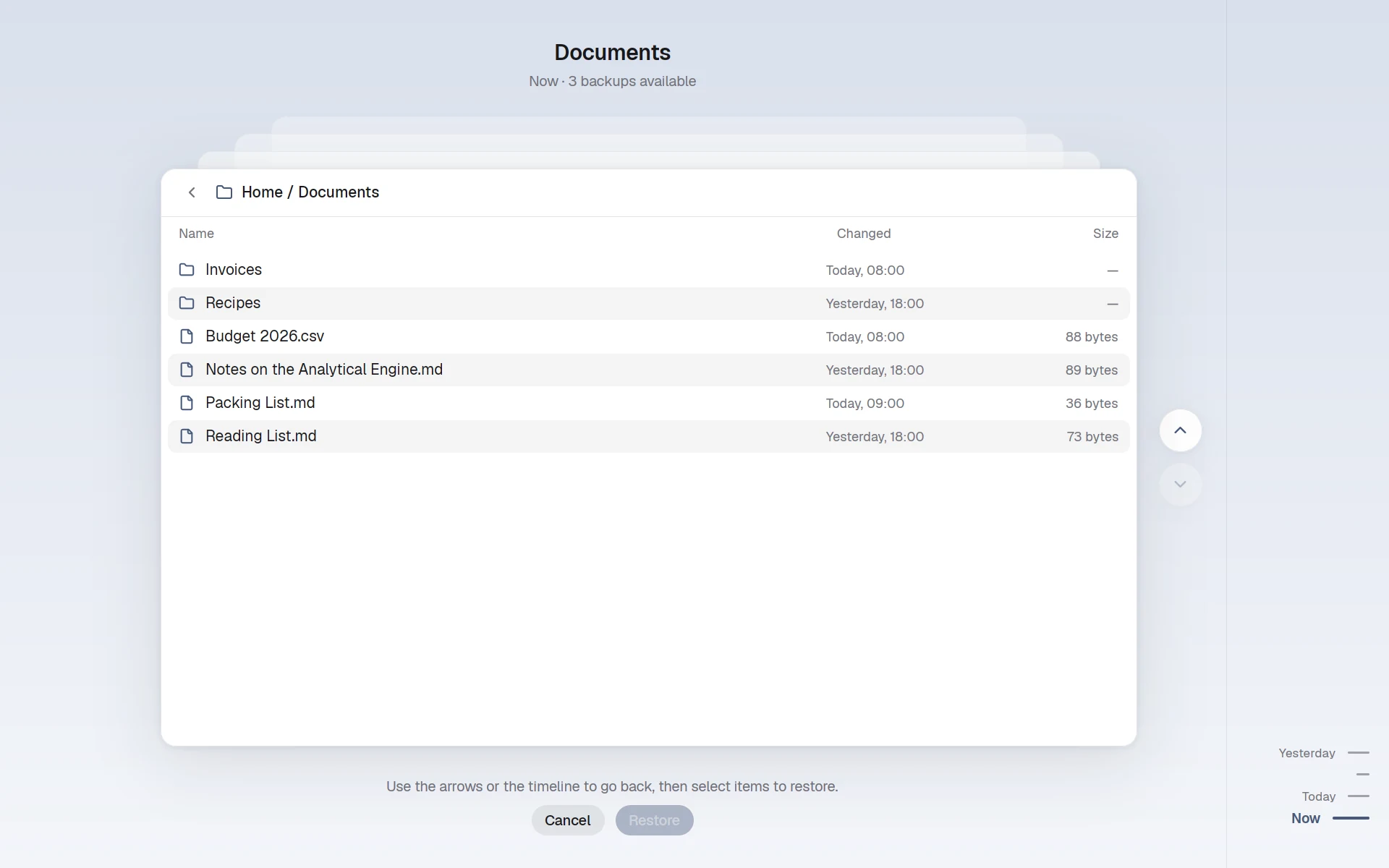
In Files, right-click a file and choose Restore an Earlier Version…, or a folder and choose Browse Backups…. Go Back in Time in All Apps shows your whole home as it was.
In a terminal:
nami backup restore ~/Documents/report.pdf --from yesterday   # or 2026-11-09, 2h, 3d
nami backup list     # the backups, newest first
nami backup now      # back up now
nami backup status   # the last backup, and what's left out
When the file is there now, both are kept, unless you add --replace.
Back up the whole computer
Backups on the computer’s own disk are lost with it. The backup package backs up everyone’s homes, the data services keep in /var/lib, and /etc/nami to somewhere else. Copy it in with nami new laptop --from backup, then list it:
packages: - namios - backupfiles: /etc/nami-backup.conf: to: disk:Backups # a USB disk with this label when: daily # or hourly, weekly keep: { daily: 7, weekly: 4, monthly: 12 } /run/nami/secrets/backup-password: !secret "a long password"Seal the password with nami secret seal (Secrets), and keep a copy of it: without it, nobody can read the backups. An admin can also set this up in Backups › Entire Computer.
Choose where it goes
to: takes a disk, another computer, a bucket or a folder.
to: | Where |
|---|---|
disk:Backups | A USB disk with that label, whenever it’s plugged in |
sftp:ada@nas:/backups/laptop | Another computer over SSH, with root’s SSH key |
b2:my-bucket:laptop, s3:... | A bucket, in restic’s terms; its keys go in /run/nami/secrets/backup-env |
/var/backups/laptop | A folder, such as a second disk mounted there |
After a week without a backup, everyone at the desktop is told why.
Restore the whole computer
Make the computer again from the same nami files, and it finds the old backups in the same place. At each person’s first login, it offers to bring back their home.
sudo nami-backup restore 2026-10-20 /home/ada/Documents   # one folder, as it was that day
sudo nami-backup restore                                  # everything, from the newest