


nami 0.18.11
The declarative manager for Linux.
Your whole Linux setup in one file.
Apps
Any app, in any version.
Ready-built from nixpkgs, each with its own libraries, so nothing clashes with your distro.
$ nami install firefox
+ firefox-150.0.1
$ nami install python3@3.12  # newest 3.12.x
Your setup
Apps, dotfiles and settings. One file.
Put ~/user.nami in git, and every computer you use is set up the same way.
# your setup, on every computer
packages:
  - zsh:
      login-shell: true
  - git:
      ~/.gitconfig:
        user: { name: Ada }
aliases:
  ll: eza -l --git
env:
  EDITOR: hx
settings:
  org.gnome.desktop.interface:
    color-scheme: prefer-dark
Changes
Undo any change.
Every install, removal and upgrade can be taken back instantly, with nothing to download.
$ nami history
     2  2026-10-12 09:20 UTC  3 packages
     3  2026-10-15 18:02 UTC  3 packages
*    4  2026-10-19 08:41 UTC  4 packages
$ nami undo
back at change 3
- vlc-3.0.21
Projects
Give each project its own tools.
Everyone who clones it gets the same tools, tasks and services, at the same versions.
# project.nami, in the project's folder
packages:
  - nodejs: 22
  - ripgrep
tasks:
  test: npm test
  dev: npm run dev
services:
  - ./services/postgres.nami
$ cd shop && nami shell
$ nami run test
Sync
The same setup on all your computers.
Add an app on your laptop, and it shows up on your desktop, through a git repository of your own.
+ blendergithub:ada/nami-config+ blenderThe nami app
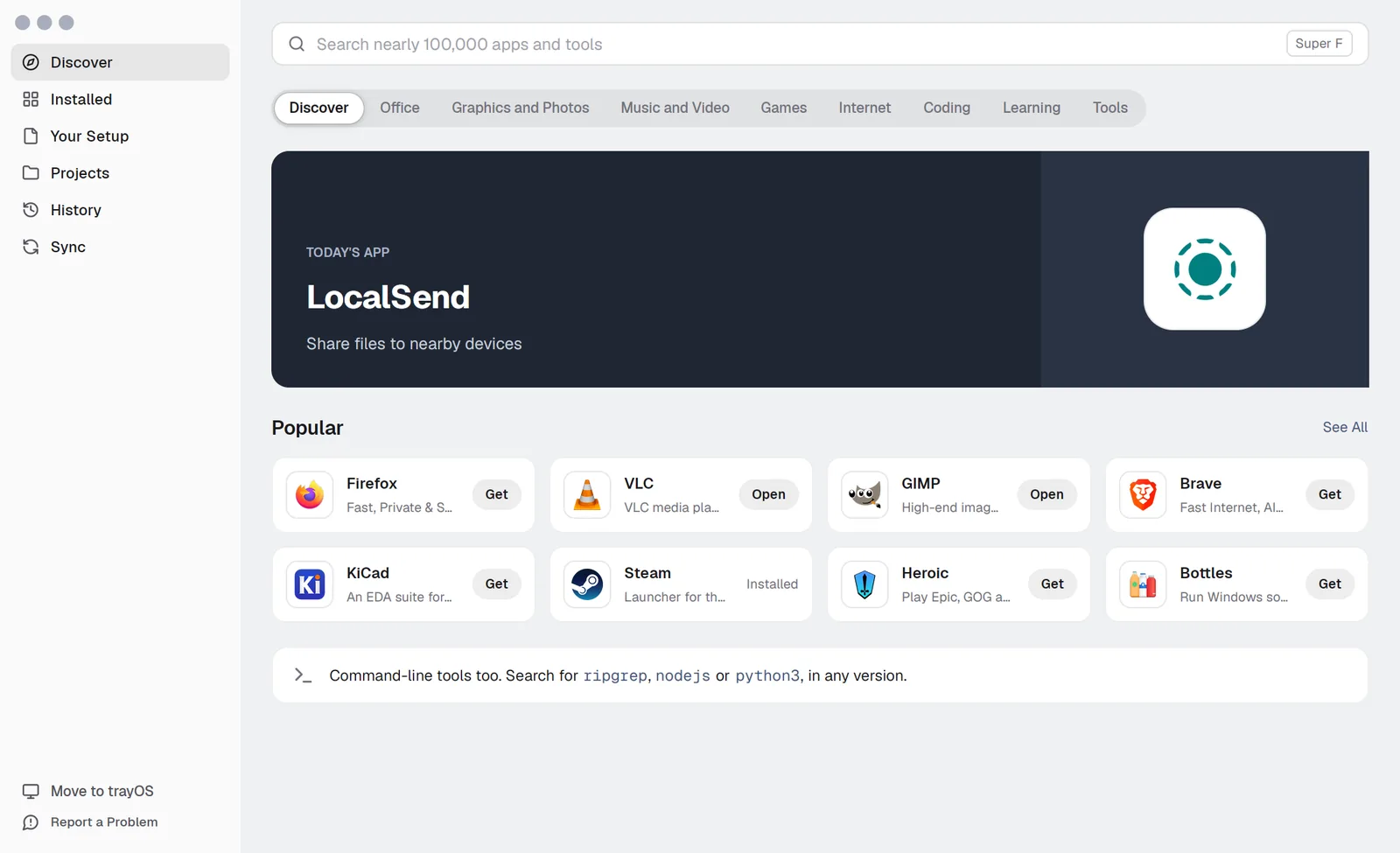
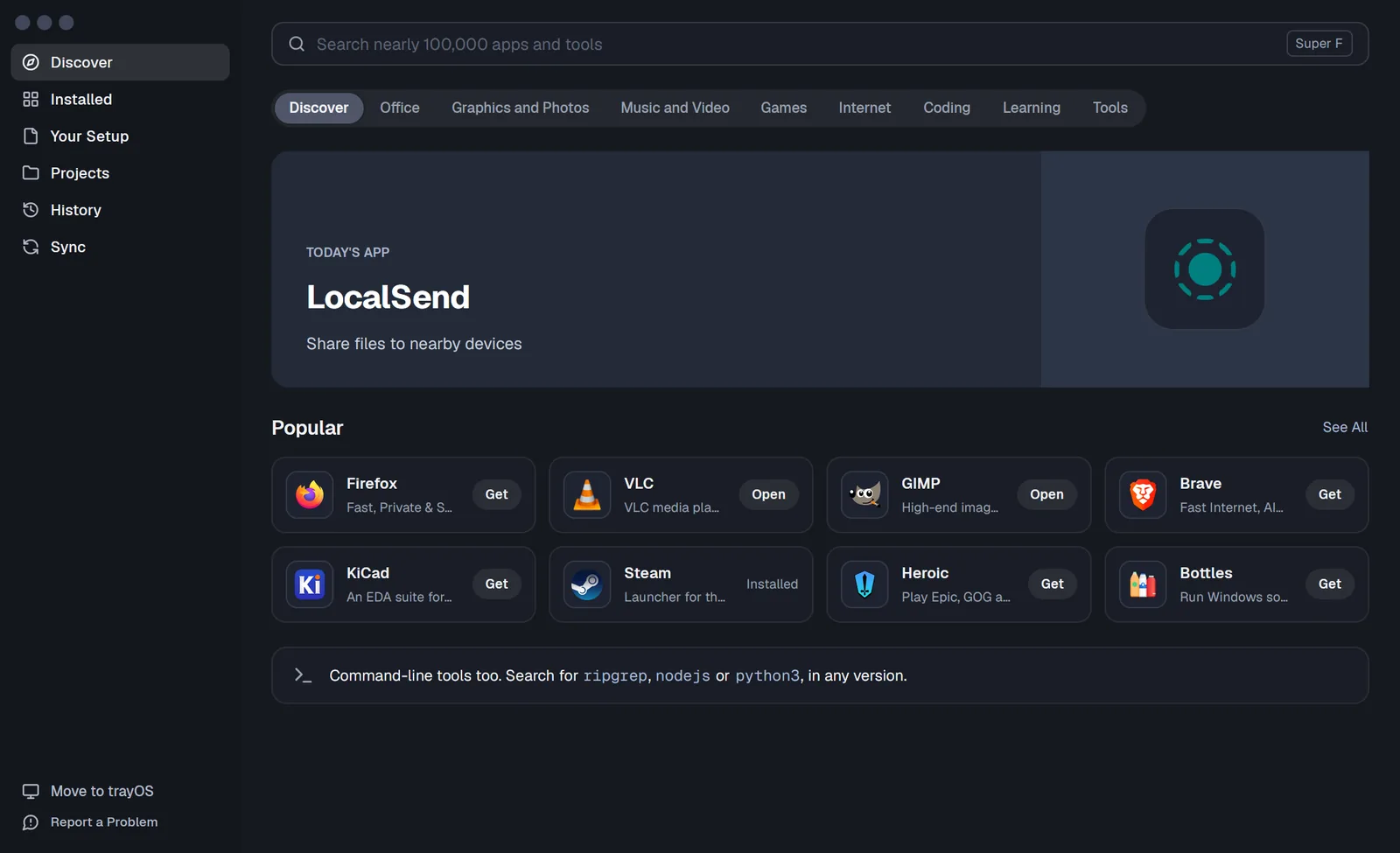
Prefer clicking? Use the app.
Find apps, keep your setup, run projects and go back in time, without a terminal.
nami and Nix
All of nixpkgs, without learning Nix.
nami is its own package manager. It installs nixpkgs' ready-built packages, and never needs Nix.
What you write.
packages:
  - firefox
  - nodejs: 22
  - ripgrep
{
  inputs = {
    nixpkgs.url = "github:NixOS/nixpkgs/nixos-unstable";
    home-manager.url = "github:nix-community/home-manager";
    home-manager.inputs.nixpkgs.follows = "nixpkgs";
  };

  outputs = { nixpkgs, home-manager, ... }: {
    homeConfigurations.ada = home-manager.lib.homeManagerConfiguration {
      pkgs = nixpkgs.legacyPackages.x86_64-linux;
      modules = [
        ({ pkgs, ... }: {
          home.username = "ada";
          home.homeDirectory = "/home/ada";
          home.stateVersion = "25.11";
          home.packages = with pkgs; [
            firefox
            nodejs_22
            ripgrep
          ];
        })
      ];
    };
  };
}
When you make a typo.
$ nami check project.nami
project.nami:3: error: ripgrpe isn't in the catalog (did you mean `ripgrep`?)
$ nix-shell
error:
       … while calling the 'derivationStrict' builtin
         at «nix-internal»/derivation-internal.nix:37:12:
           36|
           37|   strict = derivationStrict drvAttrs;
             |            ^
+ 20 more lines
Faster, and smaller.
Measured November 19, 2026: nami 0.18.7 and Nix 2.35.6, the same nixpkgs from cache.nixos.org, the middle of three runs, each in a new container. How we measured
Already use Nix? nami works next to it, and nami import turns your setup into nami files.
One tool
One tool, instead of juggling many.
nami install
firefox: 150
project.nami
nami up
nami run-once
~/.gitconfig:
!secret
nami sync
nami bundle
And there's more.
-
Apps from Flathub
flathub: -
Install a downloaded .deb
nami install ./app.deb -
Turn a .deb into a package
nami recipe from-deb -
Build your own packages
package.nami -
Ship your app as one file
nami bundle -
Passwords, safe in git
!secret -
Folders in sync, no cloud
Syncthing -
Services from your file
systemd -
One repo for all your computers
config repos -
Build on shared layers
nami layers -
Build once, share the result
nami push -
Bring your Ubuntu or Nix setup
nami import -
Tools load as you cd
nami hook -
Run a tool without installing it
nami run-once -
Just for you, or for everyone
--for-everyone -
See what changed
nami diff -
Keep an app's own edits
nami home -
Checks as you type
VS Code, Helix, Neovim -
Find and report problems
nami doctor -
Your distro left as it was
nothing in /usr
Ready for a fresh start? Try namiOS in a window, from the nami app. namiOS
Install nami on the distribution you have.
Paste this into a terminal on Ubuntu, Fedora, Mint, Arch or any other distribution on x86_64. It takes a minute or two.
Or start fresh with namiOS
Instead of Windows or next to it, with the desktop and apps ready.
Keep Ubuntu, Fedora, Mint or Arch, and add nami on top.