
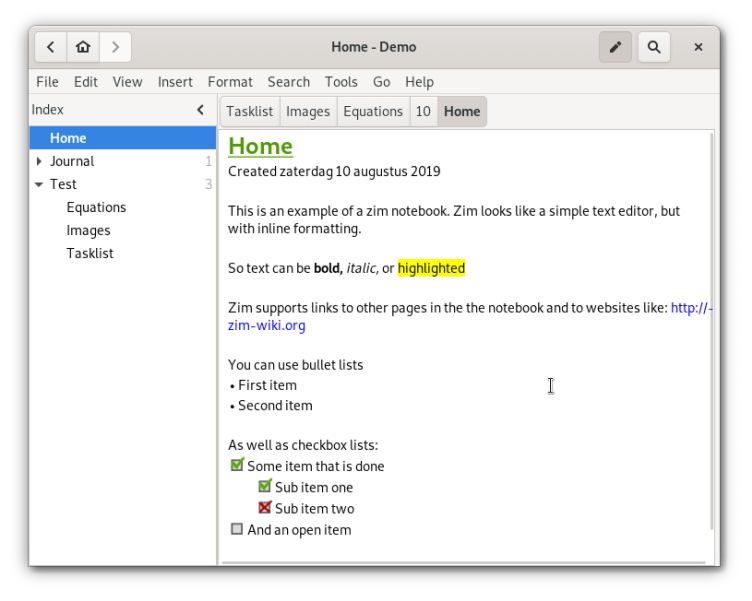
Zim brings the power of a wiki to your desktop, providing a neat and structured way to take notes and record your thoughts. Each page in Zim is automatically saved as text file with wiki markup, including the ability to link pages and to add other files as attachments. Pages in Zim are also displayed in the sidebar in a hierarchical tree style layout to help organize your notes better.
Have it
$ nami install zim
Or one line in your user.nami or a computer's computer.nami: - zim. An older one, 0.75: - zim: 0.75 (its newest, 0.75.2). Every version it has had: nami versions zim, or pick one in the window. Apps, in the docs