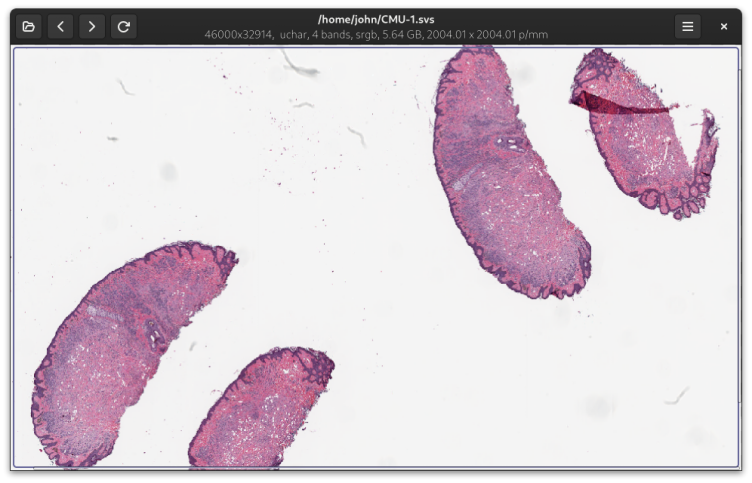
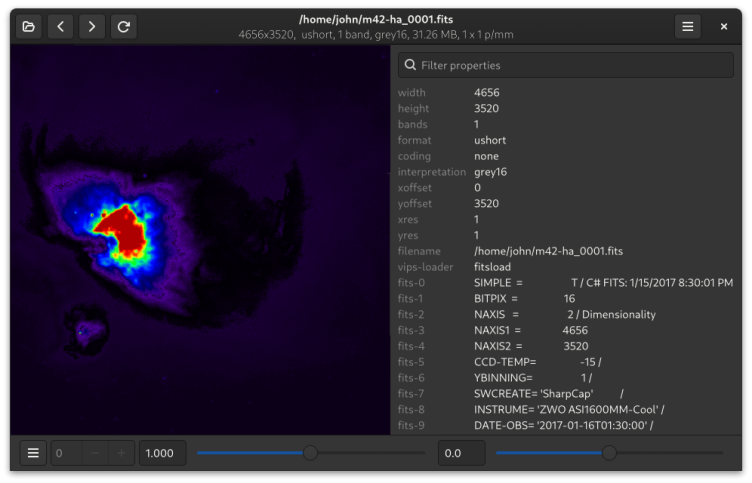
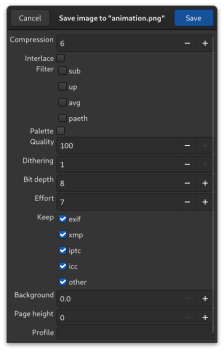
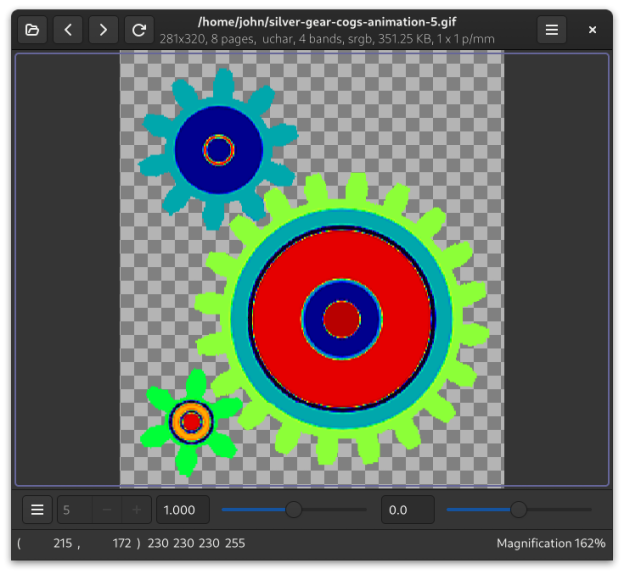
Vipsdisp can display huge (many, many gigabyte) images quickly and without using much memory. As well as the usual PNG, JPG, TIF, PDF, SVG, WEBP, JP2, JXL, QOI and GIF, it supports many scientific and technical image formats, including SVS, MRXS, OpenEXR, FITS, Matlab, NIfTI, Analyze, and PFM. It supports and translates HDR metadata between JPG, PNG, AVIF and JXL, though there's no HDR display yet. Vipsdisp supports pixel types from 1 bit mono to 128-bit double precision complex, you can convert image formats, it support copy-paste and drag-drop, and it has a range of useful visualisation tool
Have it
$ nami install vipsdisp
Or one line in your user.nami or a computer's computer.nami: - vipsdisp. An older one, 3.1: - vipsdisp: 3.1 (its newest, 3.1.0). Every version it has had: nami versions vipsdisp, or pick one in the window. Apps, in the docs