
TigerVNC
Connect to VNC server and display remote desktop
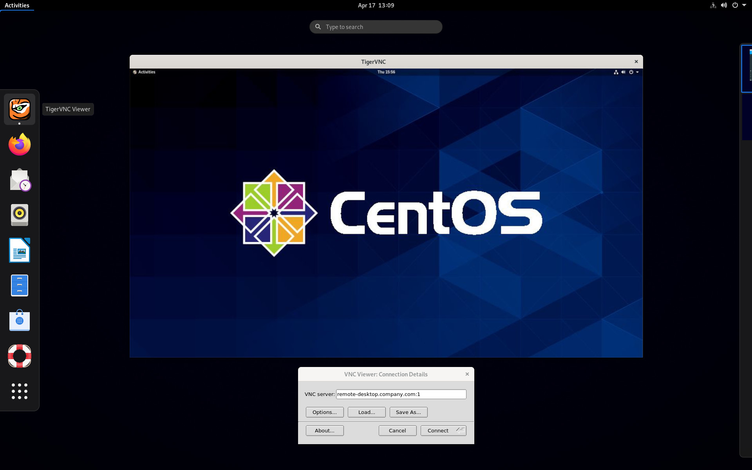
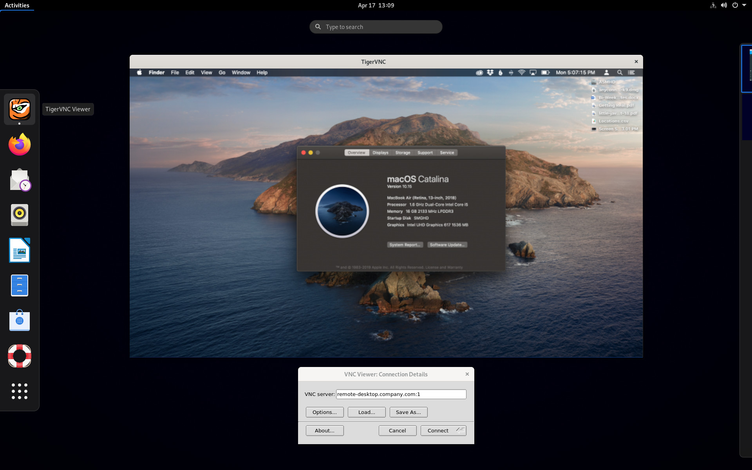
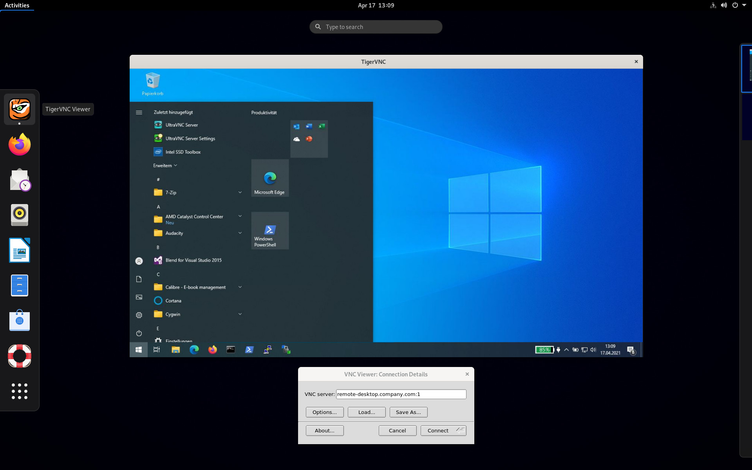
Virtual Network Computing (VNC) is a remote display system that allows you to view and interact with a virtual desktop environment running on another computer on the network. Using VNC, you can run graphical applications on a remote machine and send only the display from these applications to your local device. This package contains a client which will enable you to connect to other desktops running a VNC server. VNC is platform-independent and supports various operating systems and architectures as both servers and clients.
Have it
$ nami install tigervnc
Or one line in your user.nami or a computer's computer.nami: - tigervnc. An older one, 1.15: - tigervnc: 1.15 (its newest, 1.15.0). Every version it has had: nami versions tigervnc, or pick one in the window. Apps, in the docs