
Protontricks
Apps and fixes for Proton games
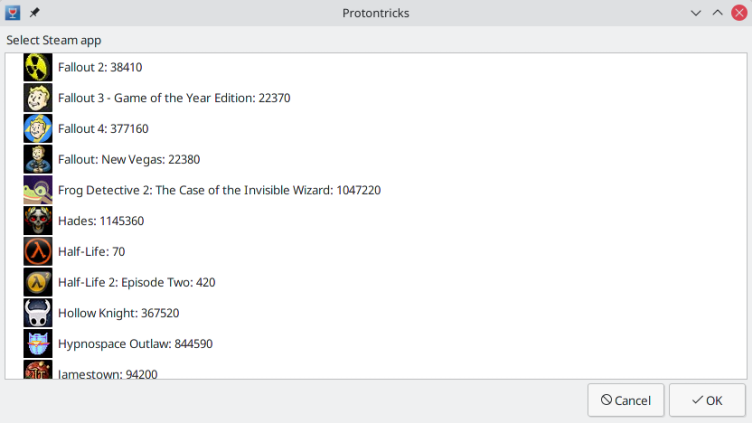
Run Winetricks commands for Steam Play/Proton games among other common Wine features, such as launching external Windows executables. This is often useful when a game requires closed-source runtime libraries or applications that are not included with Proton. Note: To access Steam libraries on another drives, you need to grant access to them: flatpak override --user --filesystem=/path/to/other/Steam/Library com.github.Matoking.protontricks
Have it
$ nami install protontricks
Or one line in your user.nami or a computer's computer.nami: - protontricks. An older one, 1.14: - protontricks: 1.14 (its newest, 1.14.1). Every version it has had: nami versions protontricks, or pick one in the window. Apps, in the docs