
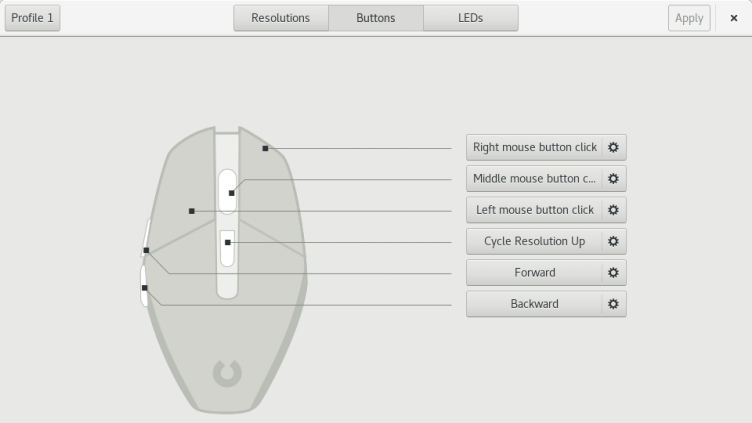
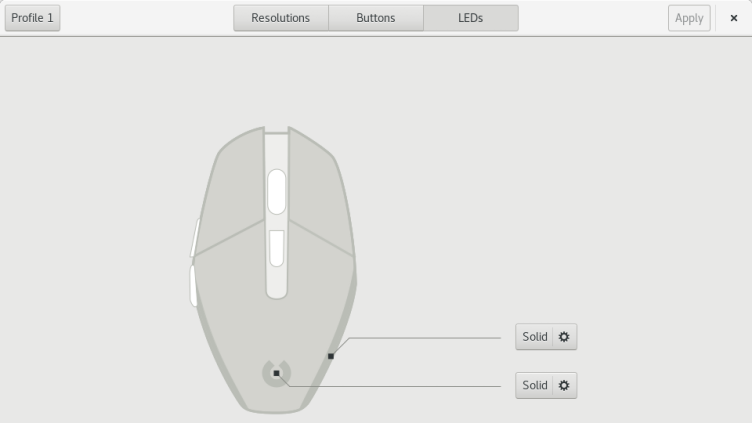
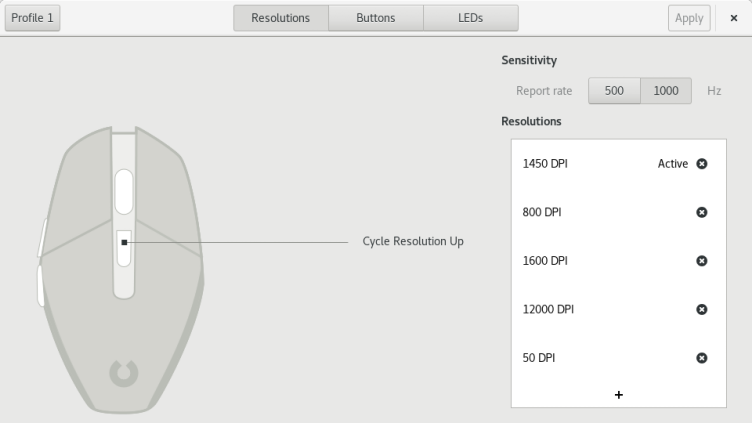
Piper is a graphical user interface to configure gaming mice. Configuration options include changing the resolution (DPI) of the mouse, adding and removing profiles, setting LED colors and changing button behaviors. Piper requires libratbag’s ratbagd, the daemon to actually communicate with the mice. Piper is merely a front end to ratbagd, ratbagd must be installed and running when Piper is launched.
Have it
$ nami install piper
Or one line in your user.nami or a computer's computer.nami: - piper. An older one, 0.7: - piper: 0.7 (its newest, 0.7). Every version it has had: nami versions piper, or pick one in the window. Apps, in the docs