
Kasasa
Snip and pin useful information
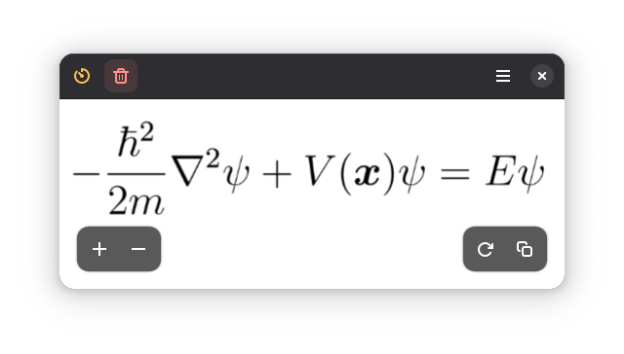
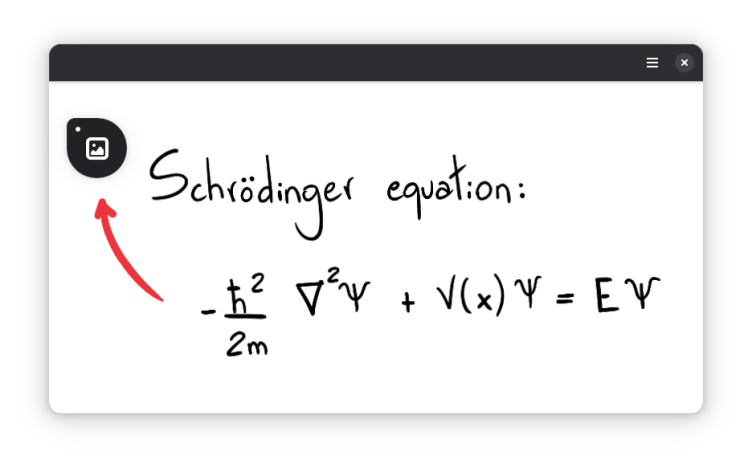
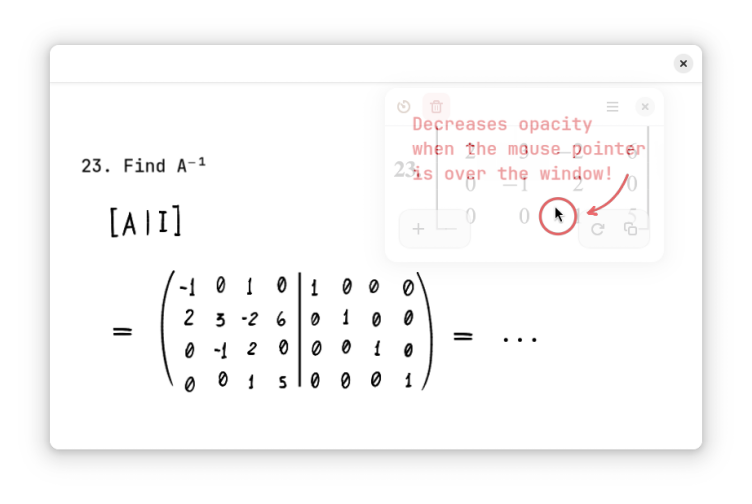
Clip what's important to a small floating window, so you don't have to switch between windows or workspaces repeatedly. The window can become miniaturized or have its opacity reduced, in order to do not block what's behind it. Best used with: On GNOME, go to Settings → Keyboard → View and Customize Shortcuts → Custom Shortcuts. There you can set a shortcut to run flatpak run io.github.kelvinnovais.Kasasa
Have it
$ nami install kasasa
Or one line in your user.nami or a computer's computer.nami: - kasasa. Every version it has had: nami versions kasasa, or pick one in the window. Apps, in the docs