
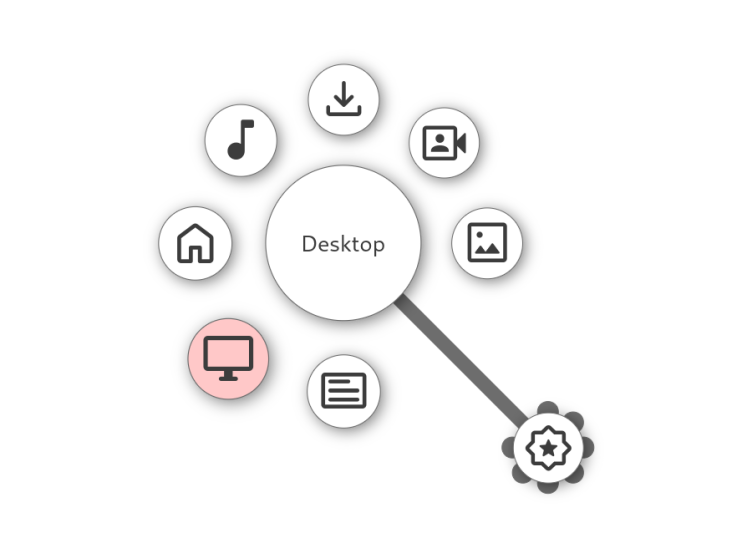
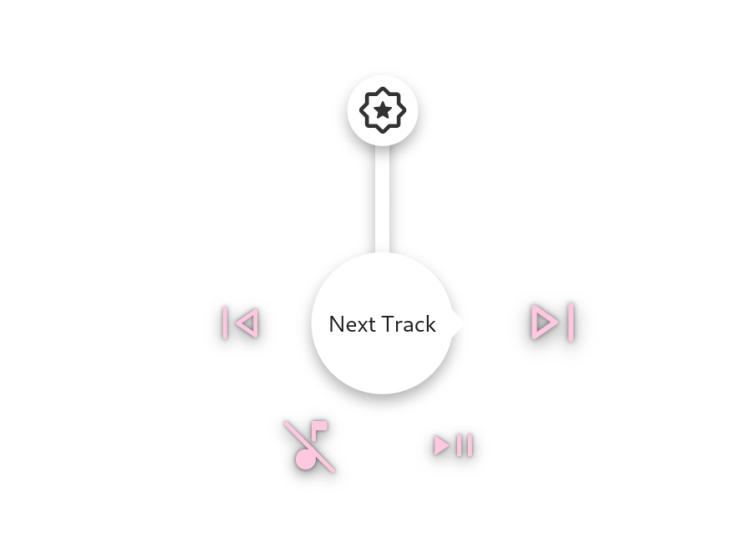
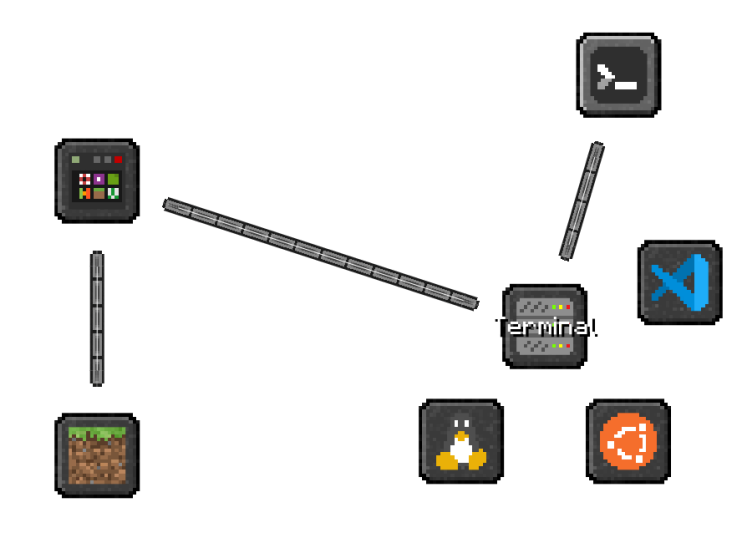
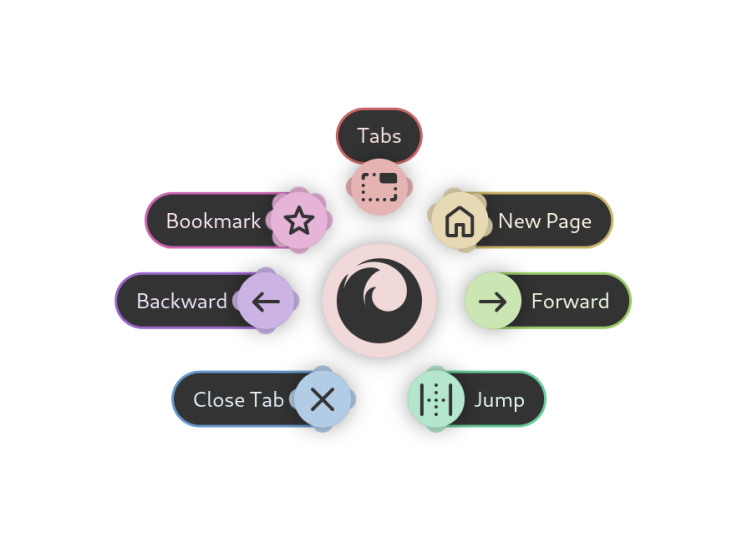
Kando is a cross-platform pie menu for your desktop. It offers an unconventional, fast, highly efficient, and fun way of interacting with your computer! You can use Kando to launch applications, simulate keyboard shortcuts, open files, and much more. Kando is designed to be used with 🖱️ mouse, 🖊️ stylus, 👆 touch, or 🎮 controller input. However, Kando can also be efficiently controlled with a keyboard.
Have it
$ nami install kando
Or one line in your user.nami or a computer's computer.nami: - kando. An older one, 2.3: - kando: 2.3 (its newest, 2.3.1). Every version it has had: nami versions kando, or pick one in the window. Apps, in the docs