
Gromit-MPX
Make annotations on the screen
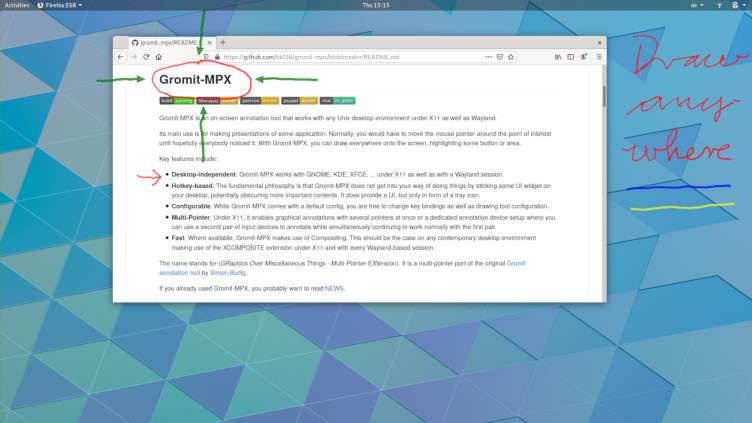
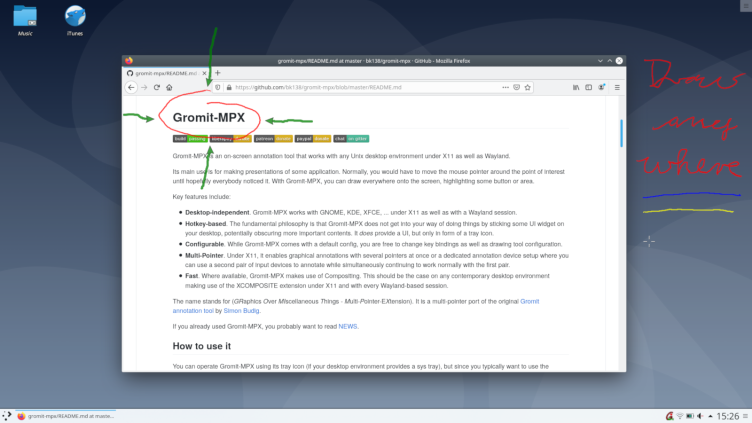
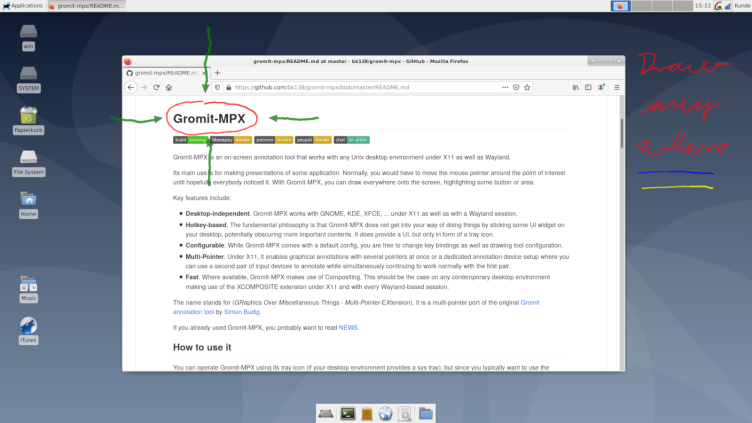
Gromit-MPX is an on-screen annotation tool that works with any Unix desktop environment under X11 as well as Wayland. Its main use is for making presentations of some application. Normally, you would have to move the mouse pointer around the point of interest until hopefully everybody noticed it. With Gromit-MPX, you can draw everywhere onto the screen, highlighting some button or area. Key features include:
Have it
$ nami install gromit-mpx
Or one line in your user.nami or a computer's computer.nami: - gromit-mpx. An older one, 1.8: - gromit-mpx: 1.8 (its newest, 1.8.0). Every version it has had: nami versions gromit-mpx, or pick one in the window. Apps, in the docs