
Logs
View detailed event logs for the system
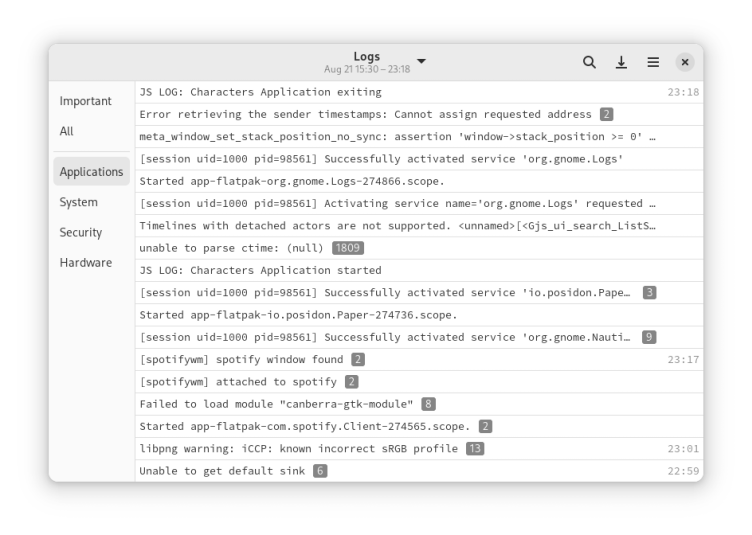
Logs shows events from the systemd journal, and sorts them into categories, such as hardware and applications. Using Logs you can search your logs by typing a search term, and view detailed information about each event by clicking on it.
Have it
$ nami install gnome-logs
Or one line in your user.nami or a computer's computer.nami: - gnome-logs. An older one, 49.0: - gnome-logs: 49.0 (its newest, 49.0). Every version it has had: nami versions gnome-logs, or pick one in the window. Apps, in the docs