Exhibit
Preview your 3D models
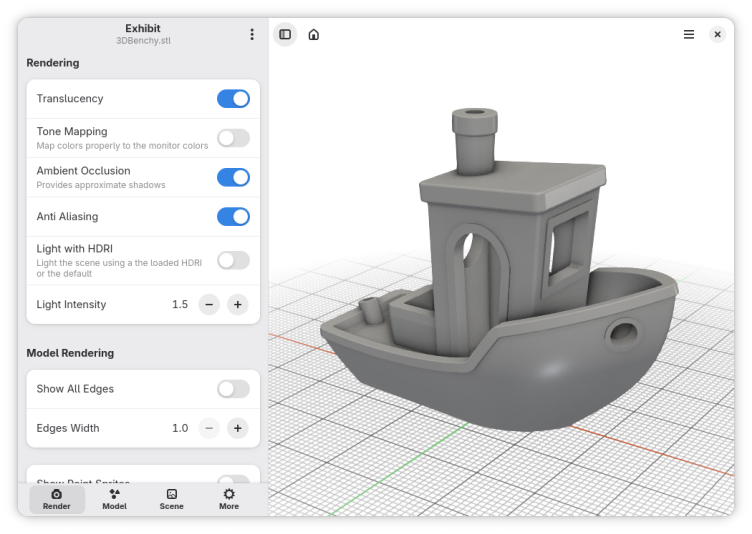
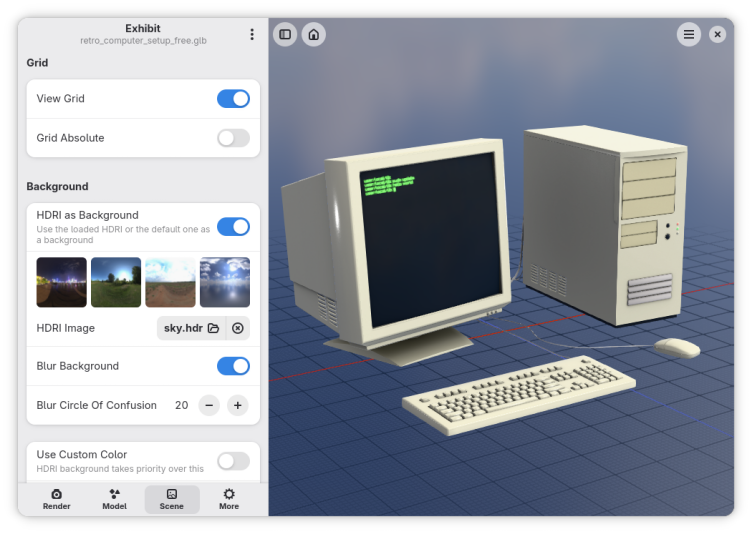
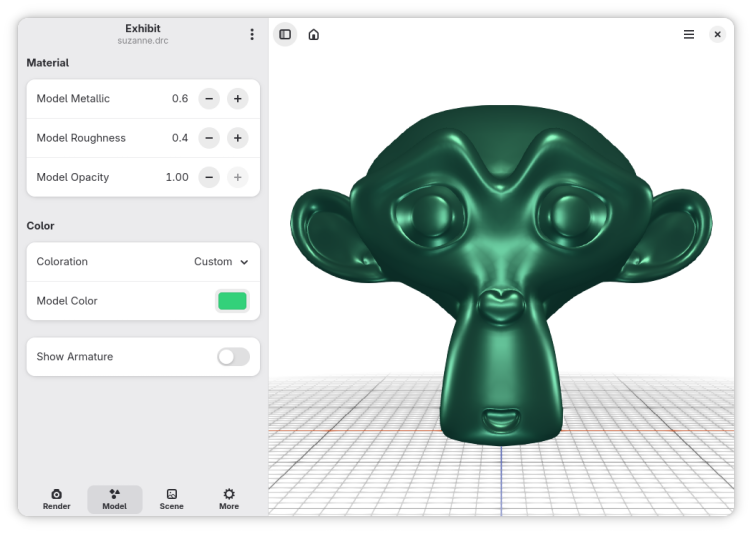
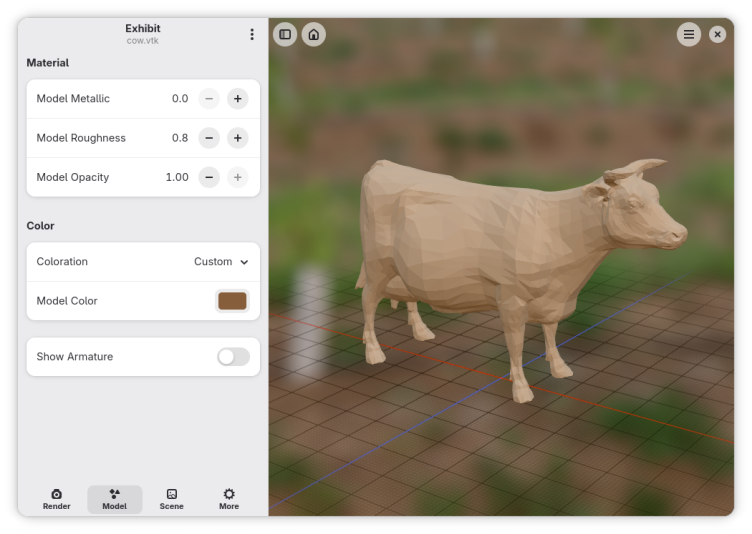
Based on the F3D library, it supports many file formats, from digital content to scientific datasets including glTF, STL, STEP, PLY, OBJ, FBX, USD, Alembic and many more. You can drag and drop 3d models into the app and export an image of the rendered model. Change many settings like tone mapping, ambient occlusion, anti aliasing, material roughness, metallic, color and opacity to achieve the perfect render. You can use an HDRI image or a custom color as a background.
Have it
$ nami install exhibit
Or one line in your user.nami or a computer's computer.nami: - exhibit. Every version it has had: nami versions exhibit, or pick one in the window. Apps, in the docs