
Dynamic Wallpaper
Create light/dark wallpapers for GNOME 42 and beyond
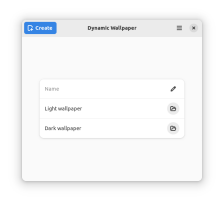
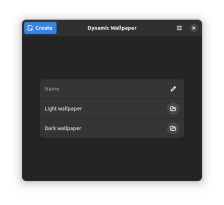
GNOME 42 introduced a dark style preference, and with it, support for combined light/dark wallpaper pairs. Unfortunately, there's no easy way in GNOME to add your own wallpaper pairs—until now! Dynamic Wallpaper makes it easy to select a wallpaper to use with the default style and a different wallpaper (e.g. a nighttime version) to use with the dark style. Choose a name, save your wallpaper pair, then find it in GNOME Settings → Appearance → Background.
Have it
$ nami install dynamic-wallpaper
Or one line in your user.nami or a computer's computer.nami: - dynamic-wallpaper. Every version it has had: nami versions dynamic-wallpaper, or pick one in the window. Apps, in the docs