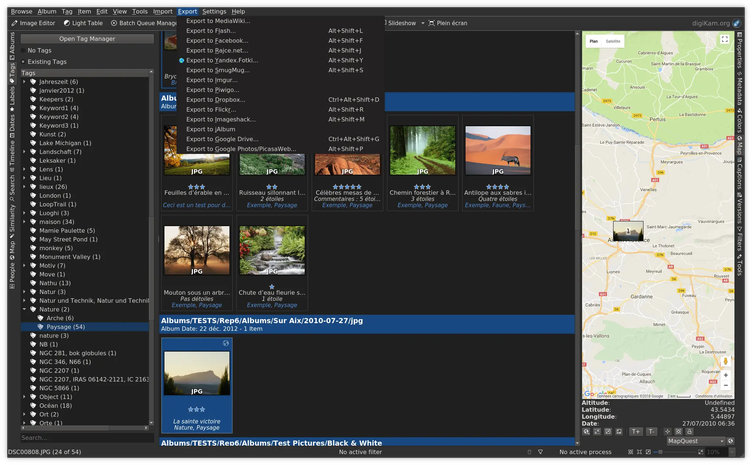
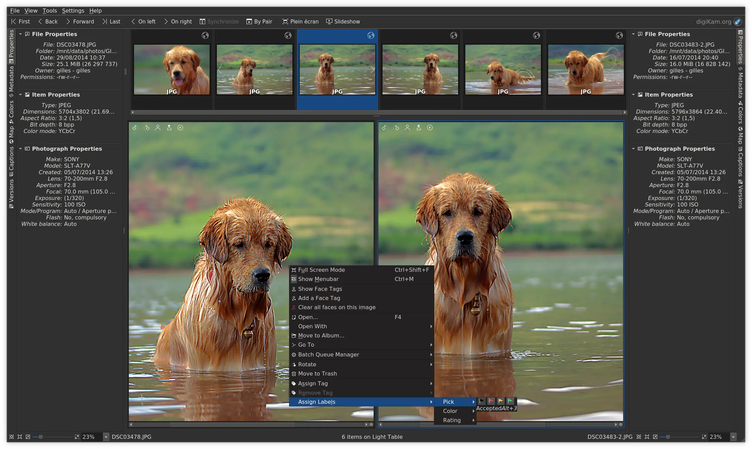
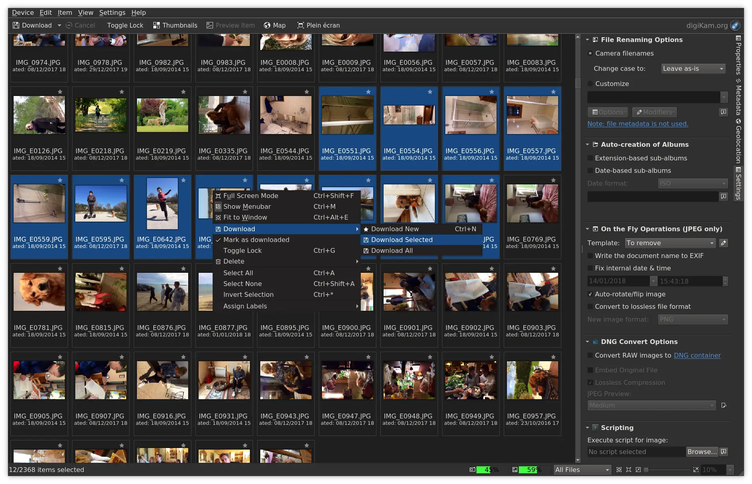
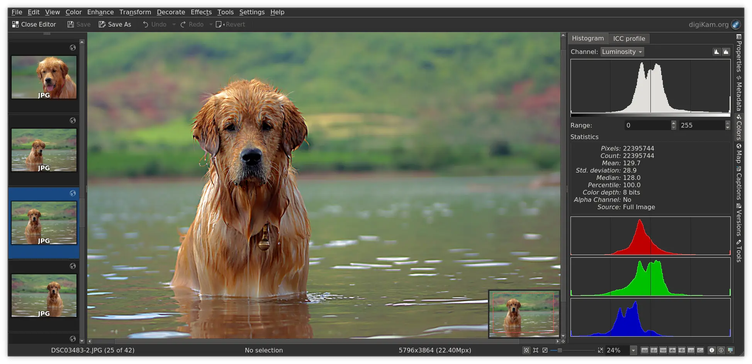
digiKam is an advanced open-source digital photo management application that runs on Linux, Windows, and MacOS. The application provides a comprehensive set of tools for importing, managing, editing, and sharing photos and raw files. You can use digiKam’s import capabilities to easily transfer photos, raw files, and videos directly from your camera and external storage devices (SD cards, USB disks, etc.). The application allows you to configure import settings and rules that process and organize imported items on-the-fly.
Have it
$ nami install digikam
Or one line in your user.nami or a computer's computer.nami: - digikam. An older one, 9.0: - digikam: 9.0 (its newest, 9.0.0). Every version it has had: nami versions digikam, or pick one in the window. Apps, in the docs