
Clapgrep
Search through all your files
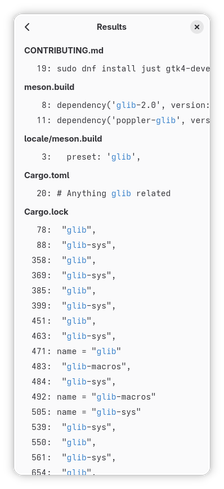
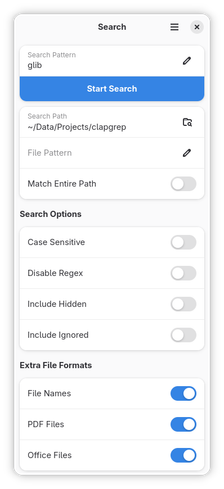
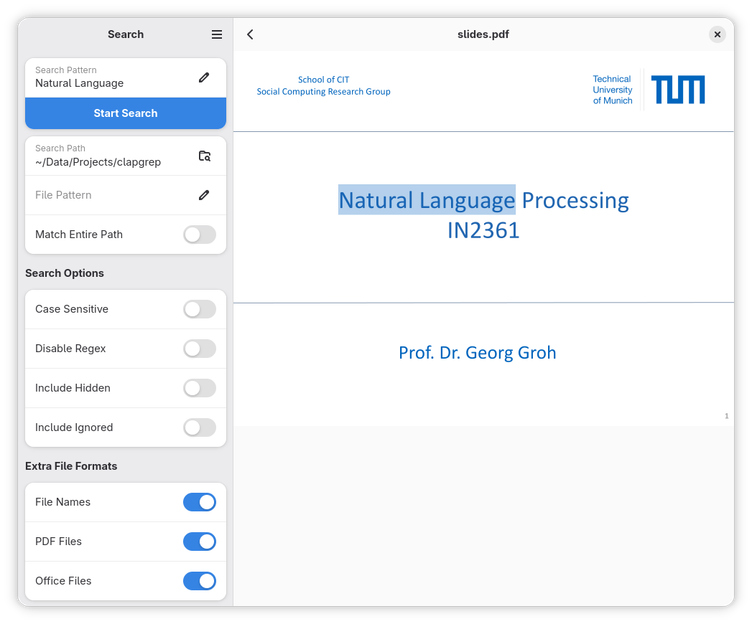
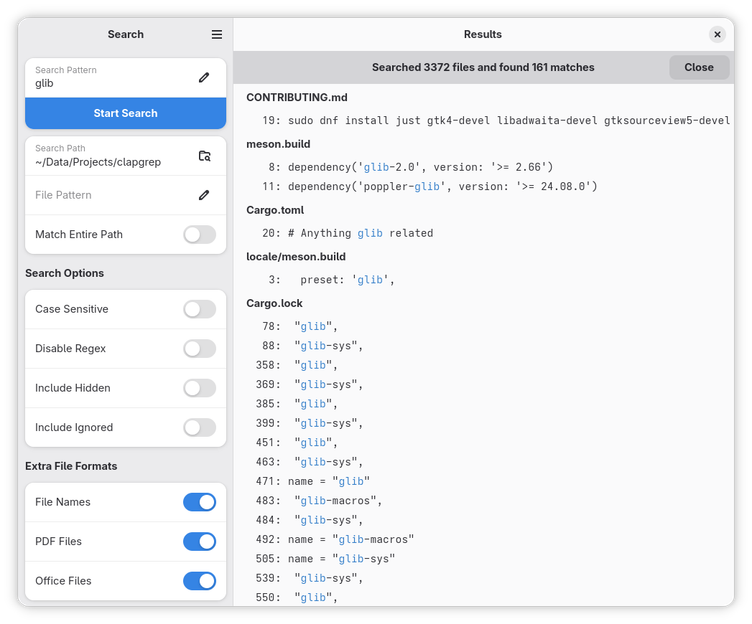
Ever had a folder full of PDF files, where you knew, somewhere in there, is what you're looking for. But you did not know in which file. So you had to search each of them at a time... With Clapgrep this is no longer necessary! Simply open the folder with Clapgrep, enter the search term, and Clapgrep will do all the hard work of finding out on which page / line in which file the information is that you are looking for!
Have it
$ nami install clapgrep
Or one line in your user.nami or a computer's computer.nami: - clapgrep. An older one, 26.02: - clapgrep: 26.02 (its newest, 26.02). Every version it has had: nami versions clapgrep, or pick one in the window. Apps, in the docs