Disk Usage Analyzer
Check folder sizes and available disk space
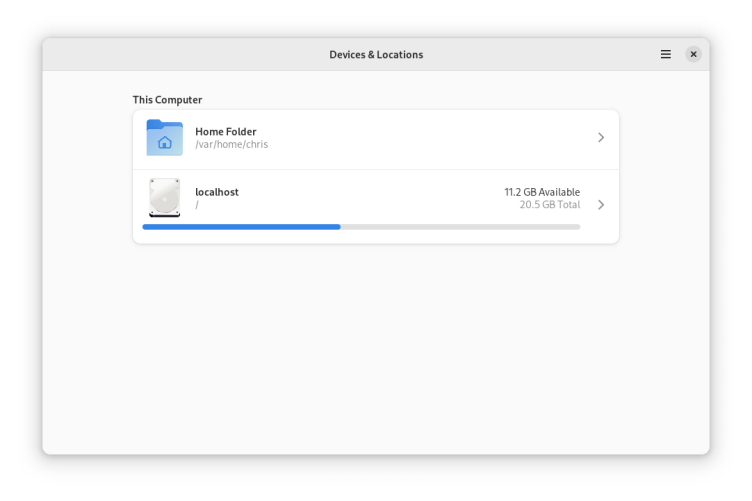
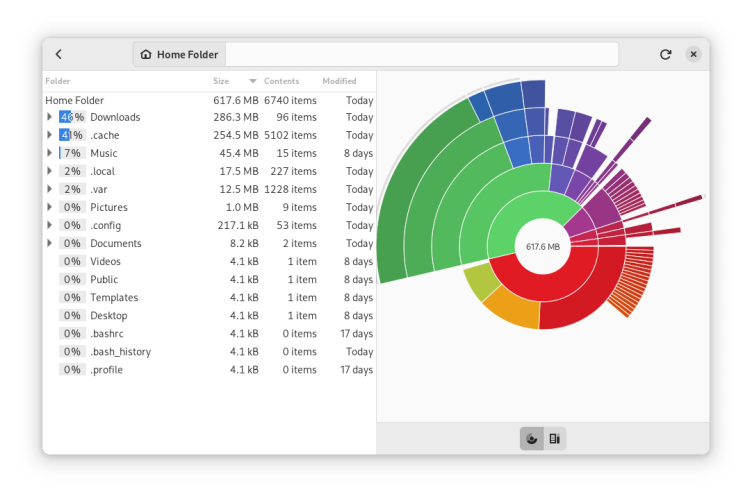
A simple application to keep your disk usage and available space under control. Disk Usage Analyzer can scan specific folders, storage devices and online accounts. It provides both a tree and a graphical representation showing the size of each folder, making it easy to identify where disk space is wasted.
Have it
$ nami install baobab
Or one line in your user.nami or a computer's computer.nami: - baobab. An older one, 49.1: - baobab: 49.1 (its newest, 49.1). Every version it has had: nami versions baobab, or pick one in the window. Apps, in the docs