
AdwSteamGtk
Give Steam the Adwaita treatment
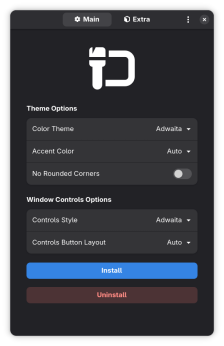
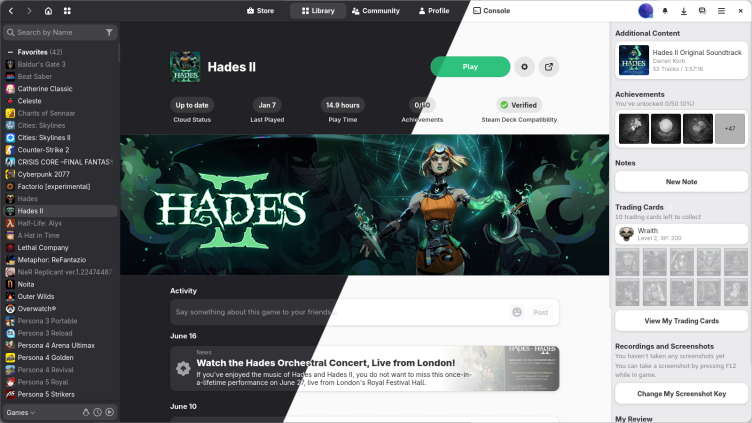
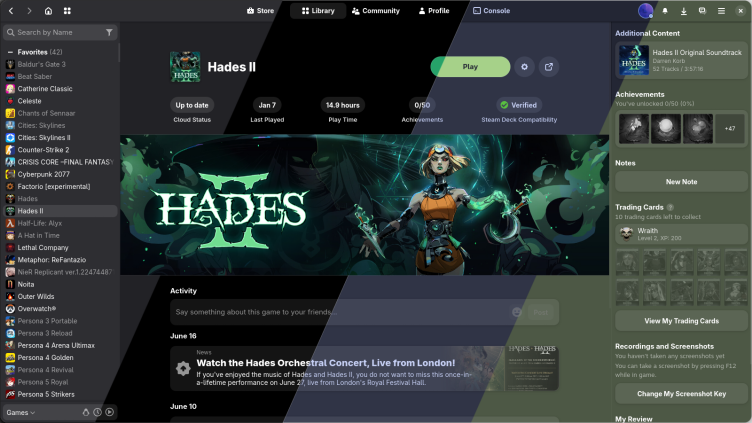
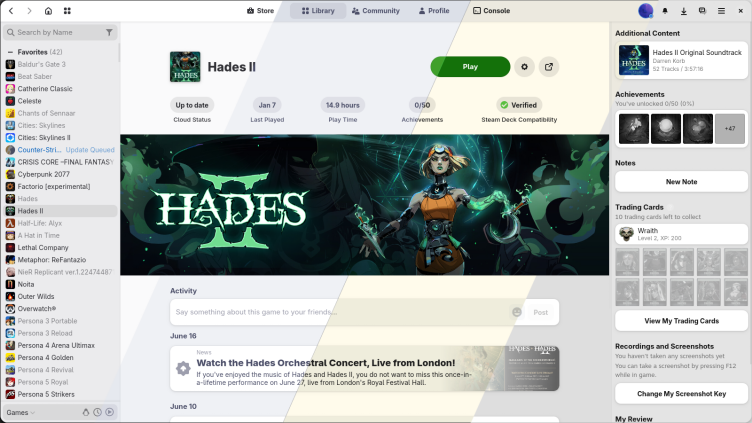
Make Steam look like it belongs on your computer. This app installs and updates the Adwaita-for-Steam skin for you. It's as simple as this: On startup, the app will automatically download any updates to the skin and display a notification. Apply the skin again and restart Steam to take the changes into use. In order to get rounded corners on Steam, you will need to use the “Rounded Window Corners” GNOME extension.
Have it
$ nami install adwsteamgtk
Or one line in your user.nami or a computer's computer.nami: - adwsteamgtk. An older one, 0.8: - adwsteamgtk: 0.8 (its newest, 0.8.0). Every version it has had: nami versions adwsteamgtk, or pick one in the window. Apps, in the docs
More games
All BottlesRun Windows software
 SteamLauncher for the Steam software distribution service
 HeroicPlay Epic, GOG and Amazon Games
 Prism LauncherCustom Minecraft Launcher to easily manage multiple Minecraft installations at once
 ProtonUp-QtInstall Wine- and Proton-based compatibility tools
 RetroArchFrontend for emulators, game engines and media players